Mac battery cycle
count checker.
See how many charge cycles your MacBook has used, how many Apple rates it for, and how many months of healthy battery you have left. Runs 100% in your browser, nothing is uploaded.
Find it under Option-click the Apple menu > System Information > Power > Cycle Count. Or switch to the Terminal tab and let us read it for you.
100% private. Your data never leaves this page.
Reference
Rated cycle counts, by Mac generation.
Apple's official cycle limits. "Rated" means the battery should still hold 80% of its original capacity at that point, not that it dies there.
| Mac generation | Rated cycles |
|---|---|
| All Apple Silicon MacBooks (M1 to M4, 2020 or later) | 1,000 |
| MacBook Pro (Mid 2009 to 2020, Intel) | 1,000 |
| MacBook Air (Late 2010 to 2020, Intel) | 1,000 |
| MacBook (Late 2009 to 2017, incl. 12-inch Retina) | 1,000 |
| MacBook Air (Late 2008 to Mid 2009) | 500 |
| MacBook / MacBook Pro (Late 2008 aluminum) | 500 |
| Most models from Early 2008 or before | 300 |
Source: Apple's "Determine battery cycle count for Mac laptops" support document.
Cycles are only half the story. Pair this with your capacity percentage in our free Mac battery health checker for the full picture.
Never count by hand again
Your cycle count, always one glance away.
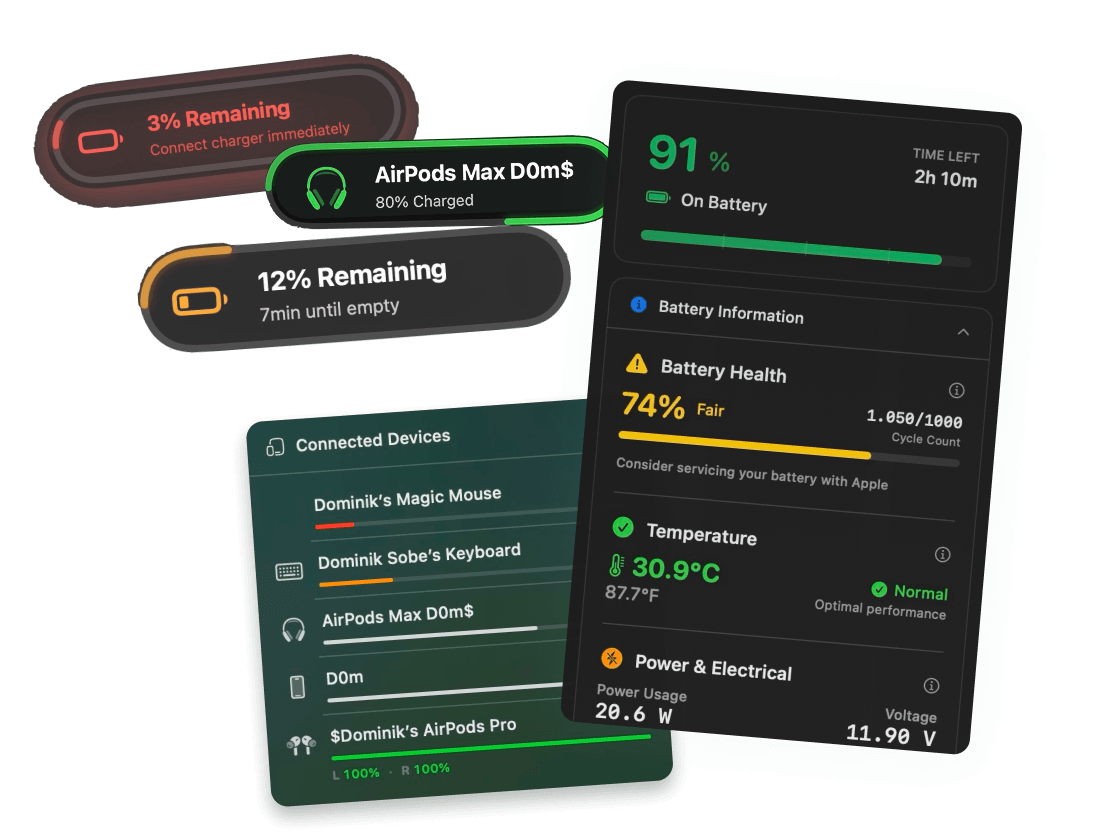
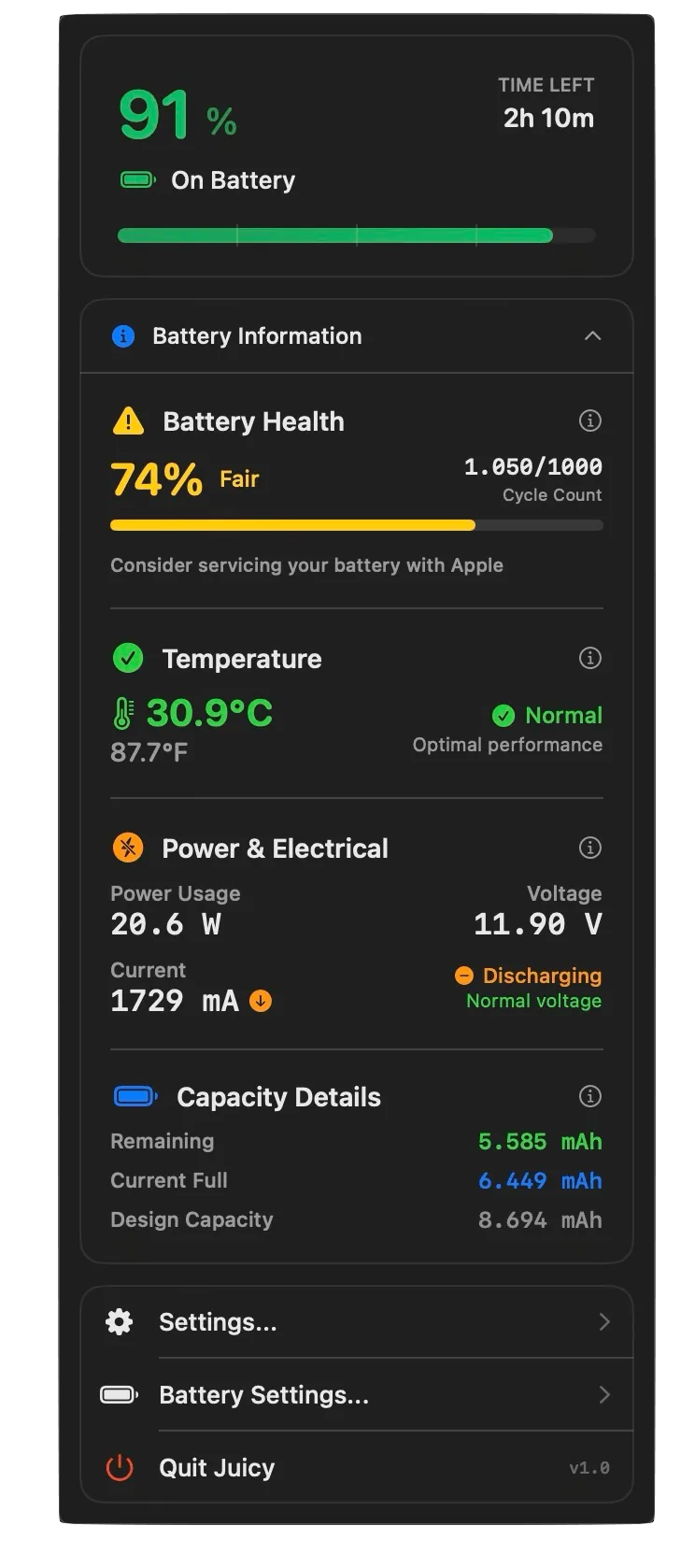
Juicy keeps cycles, health, temperature and wattage live in your menu bar, warns you at any battery percentage you choose, and can cap charging at 80% so those cycles wear the battery less.
Cycle counts,
answered.
What is a battery charge cycle?
One cycle means using 100% of your battery's capacity, in any combination. Drain 50% today and 50% tomorrow, that's one cycle, not two. Partial charges don't hurt lithium batteries, they're actually gentler than full drains.
How do I check the cycle count on my Mac?
Hold Option and click the Apple menu, choose System Information, then select Power. Cycle Count is listed under Battery Information. Or run system_profiler SPPowerDataType in Terminal and paste the output into the checker above.
How many cycles can a MacBook battery handle?
Every Mac notebook sold since about 2010 is rated for 1,000 cycles, and Apple designs the battery to keep 80% of its original capacity at that point. A handful of 2008 and 2009 models were rated for 500 cycles, and older ones for 300.
What happens when my Mac passes 1,000 cycles?
Nothing sudden. The rating is a capacity promise, not an expiry date. Plenty of Macs run past 1,200 cycles happily. What changes is that capacity loss tends to accelerate, so watch your health percentage rather than the counter.
What is a good cycle count when buying a used MacBook?
Under 300 cycles is lightly used, 300 to 600 is normal, 600 to 900 means the battery is well into its life, and near or past 1,000 means you should price in a battery service (roughly $159 to $249 at Apple). Always check health percentage too: a 900-cycle battery at 85% beats a 400-cycle one at 79%.
How can I slow down my cycle usage?
You can't avoid cycles entirely (that's just using your Mac), but you can make each one gentler: keep everyday charging around 80%, avoid deep drains to 0%, and keep the machine cool. Juicy's charge limit automates the 80% part.
Don't run out of juice.
Smart battery alerts, health insights, and beautiful design: everything you need for your Mac's battery. Use 3 days for free.
Juicy is available for your macOS
Get a download link reminder sent to your email when you are back in front of your computer:
We'll send you the download link. No spam.
 •No credit card required