How to Check iPhone Battery Capacity (and What iOS Hides)
Jul 20, 2026 • 5 min read By Dominik, maker of JuicyOpen Settings, tap Battery, then tap Battery Health & Charging. The Maximum Capacity percentage is your battery's current capacity compared to when it was new. On iPhone 15 or later, you can also see your cycle count under Settings, General, About. That is everything iOS will show you.
Verified on iOS 26 in July 2026. The Settings path is the same back to iOS 11.
Below: what the number actually means, what counts as healthy, and how to see the stats Apple collects but does not display, including cycle count on older iPhones.
How to check battery capacity on your iPhone
- Open Settings.
- Tap Battery.
- Tap Battery Health & Charging.
- Read Maximum Capacity.
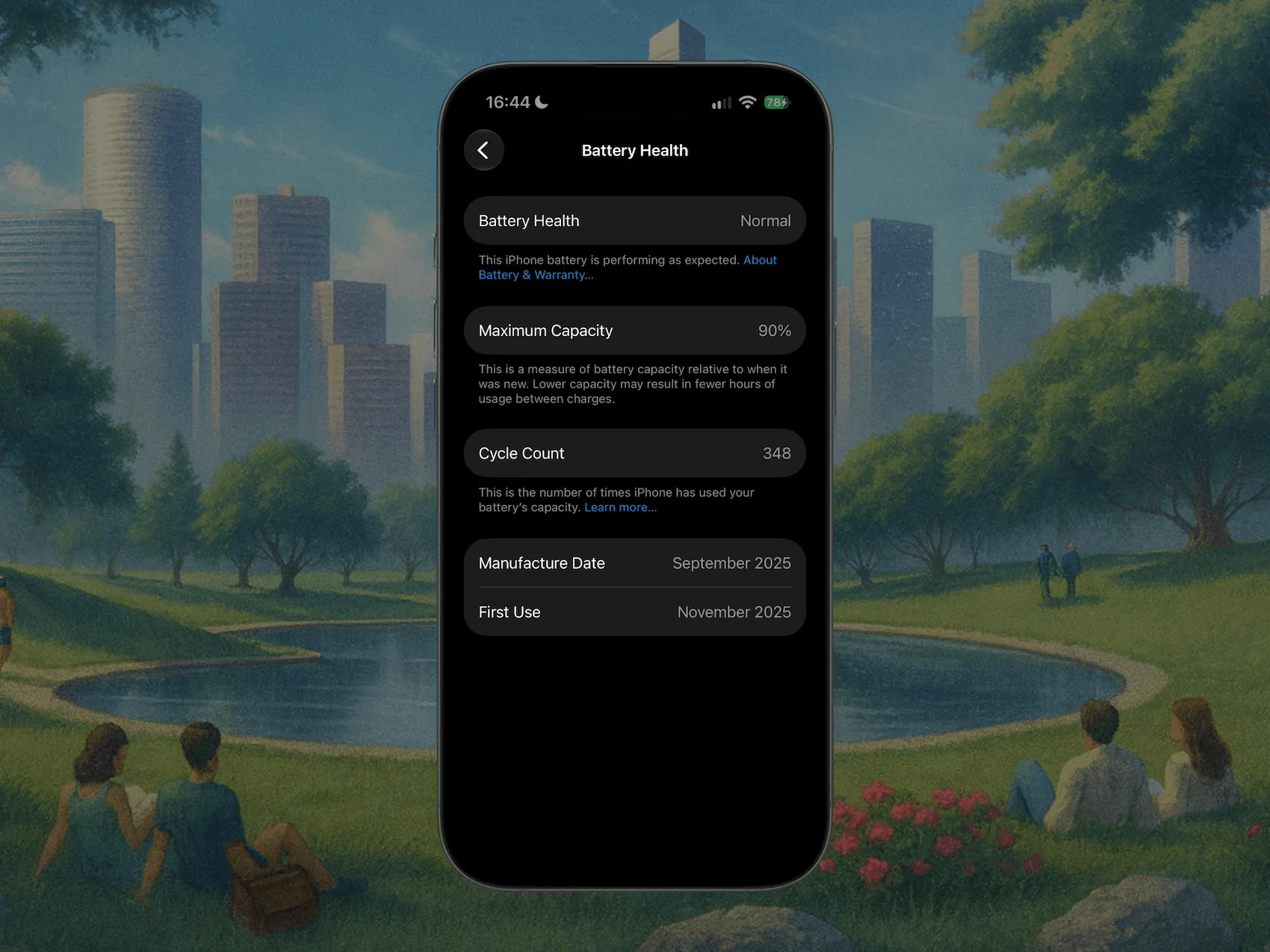
On the same screen, Peak Performance Capability tells you whether iOS has ever throttled your phone because the battery could not deliver enough power. If you see anything other than a clean "your battery is currently supporting normal peak performance", your battery is further gone than the percentage suggests.
What does Maximum Capacity actually mean?
It is the ratio between what your battery can hold today and what it held new. 87 percent means a charge that used to last 10 hours now lasts about 8.7, all else equal.
Two things worth knowing about how it behaves:
- It is an estimate, recalibrated over time. It can sit still for months and then drop 2 points in a week. That is the estimate catching up, not sudden damage.
- It only goes down. A battery losing roughly 1 percent per month of ownership in year one and two is aging normally. Much faster usually means heat, or lots of fast charging to 100 percent, or heavy cycling.
What counts as good:
| Maximum Capacity | Verdict |
|---|---|
| 100 to 95 percent | New or barely used |
| 94 to 85 percent | Normal wear, typical after 1 to 2 years |
| 84 to 80 percent | Worn, expect visibly shorter days |
| Below 80 percent | Apple calls this consumed, replacement territory |
The 80 percent line is not folklore: it is the threshold Apple's own warranty and AppleCare+ service uses. Under 80 with AppleCare+, the battery swap is free.
The catch: iOS hides almost everything else
Maximum Capacity is one number, and on iPhones older than the 15 it is the only number. iOS does not show cycle count, temperature history, or actual capacity in mAh on those devices, even though the battery reports all of it.
There is a hacky free route: Settings > Privacy & Security > Analytics & Improvements > Analytics Data, open the newest Analytics-... file, and search for last_value_CycleCount. It works only if analytics sharing was already on, the files are enormous, and the entry is not always present. It is a scavenger hunt, not a feature.
The comfortable way: read your iPhone's full stats from your Mac
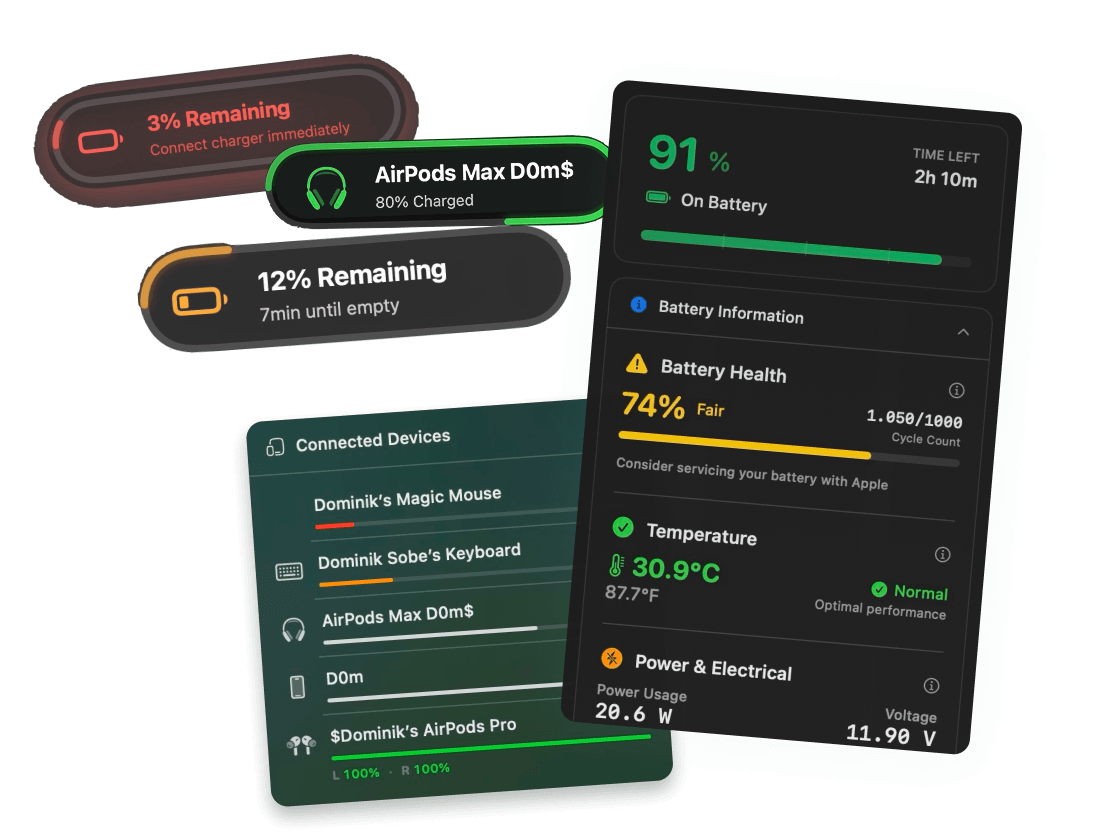
Plug your iPhone into your Mac with a cable, and Juicy's iPhone and iPad diagnostics read the battery data straight from the device: real health percentage, cycle count on any iPhone model, temperature, and capacity in mAh, with nothing to install on the phone itself. (This is in Juicy's direct download and Setapp versions, and with Pro it also works over Wi-Fi, so your iPhone's battery shows up in your Mac's menu bar next to your MacBook's.)
The same cable trick works for an iPad, which matters more there because iPadOS hides battery health on most models. See how to check iPad battery health.
If you just want a quick verdict on the numbers you already have, our free iPhone battery health checker grades your capacity and cycle count in the browser and tells you how much life is realistically left.
When to replace the battery instead of the phone
If your iPhone is otherwise fine and capacity has dipped below about 80 percent, a battery replacement (roughly $69 to $99 at Apple, free with AppleCare+ under 80 percent) buys the phone another year or two for a tenth of an upgrade's price. Check your capacity first, then decide with the number instead of the vibes.
Related reading: your MacBook plays the same hiding game with its battery, and checking battery health on a Mac has the same 30-second fix.
Frequently asked questions
What is a good maximum capacity for an iPhone battery?
Anything at or above 80 percent counts as healthy by Apple's own definition, and that is the threshold their warranty service uses. As a feel for the range: 95 percent and up is essentially new, high 80s is typical after two years, and low 80s means you are living on borrowed runtime.
What battery capacity is bad for an iPhone?
Below 80 percent. That is where Apple considers the battery consumed, where Peak Performance Capability warnings and slowdowns can appear, and where a day of normal use stops fitting into one charge. If you are under 80 and the phone otherwise serves you well, a battery swap beats a new phone.
Does the iPhone show battery cycle count?
Only newer ones. iPhone 15 and later show cycle count under Settings, General, About. On older iPhones iOS simply does not display it anywhere in Settings. You can dig for it in analytics log files, or read it directly by plugging the phone into a Mac running Juicy.
At what battery capacity should I replace my iPhone battery?
At 80 percent or below, replacement is worth it, and if you have AppleCare+ it is free at that point. Between 80 and 85 percent it is a judgment call based on whether the phone still lasts your day. Above 85 percent, keep the battery you have.