How Much Does a MacBook Battery Replacement Cost in 2026?
Jul 20, 2026 • 6 min read By Dominik, maker of JuicyA Mac battery replacement runs roughly $129 to $249 at Apple, depending on the model, and often less at a trusted third-party shop. It usually takes 3 to 5 business days, sometimes same day. Before you pay, confirm the battery is actually the problem by checking your health percentage and cycle count first.
Prices verified against Apple's US battery service listings in July 2026. Costs vary by region and model.
Yes, the battery can be replaced on every Mac notebook, even the ones with the cells glued to the chassis. The real questions are whether you need it yet, and where to get it done without overpaying. Let us take those in order.
When do you actually need a battery replacement?
A replacement is worth paying for when two numbers line up. Open System Information > Power (hold Option, click the Apple menu, choose System Information) and read your Maximum Capacity and Cycle Count.
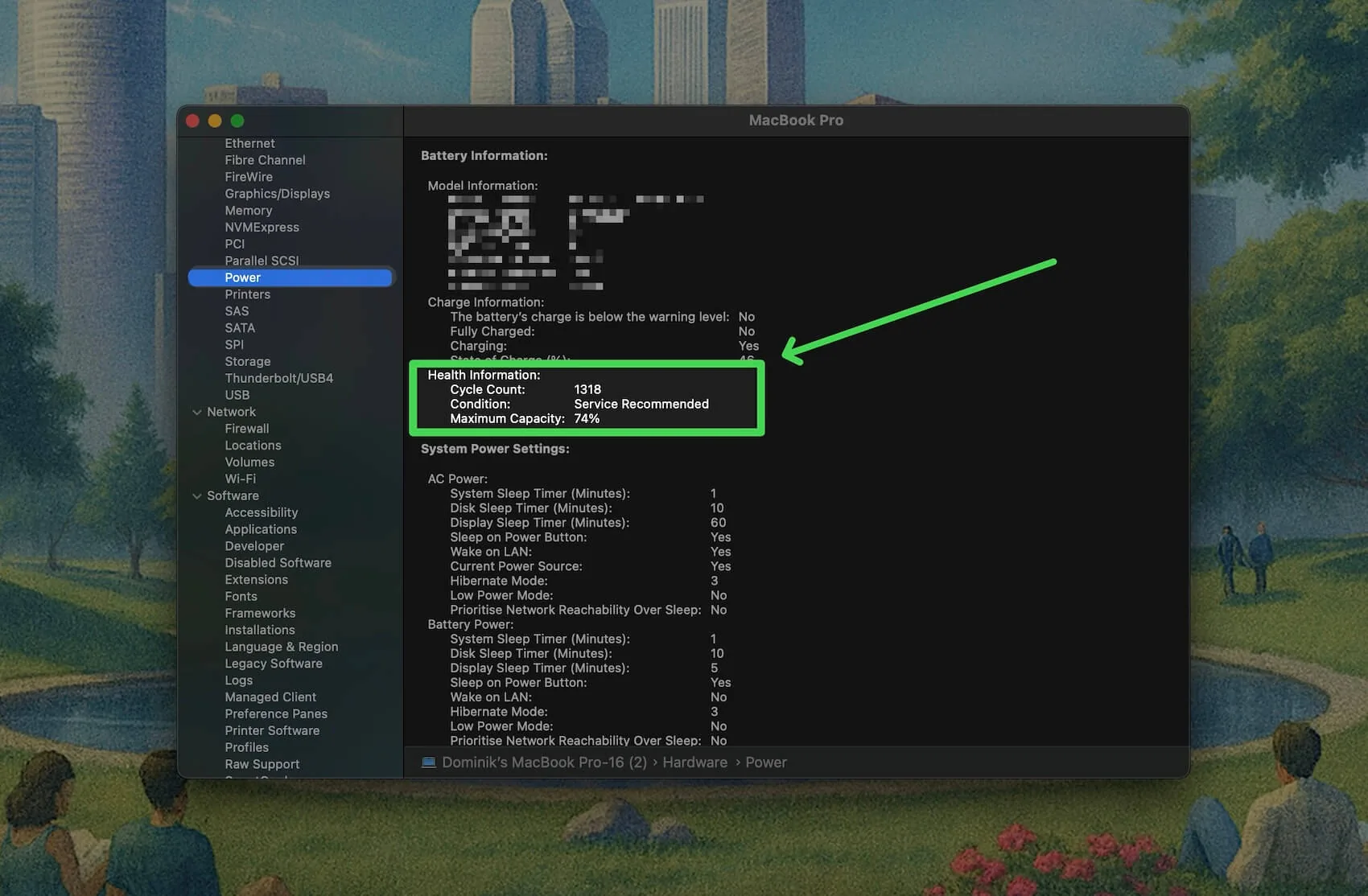
- Maximum Capacity below 80 percent. This is Apple's own threshold, and the point where macOS shows Service Recommended. Runtime is noticeably shorter here.
- Cycle count near or past 1,000. Your battery is rated for 1,000 cycles, so a high count paired with low capacity means it has genuinely worn out rather than misbehaving.
If capacity is still above 80 percent, hold off. A battery at 84 percent has years left, and short runtime at that level usually points at a heat problem or an app quietly draining power, not a dead cell. We cover how to read both numbers in how to check battery health on a Mac and how to check cycle count.
How much does a Mac battery replacement cost?
Apple charges a flat out-of-warranty fee by model line. Third-party shops undercut it, sometimes by a lot, at the cost of Apple's warranty on the repair. Here is the lay of the land:
| Model line | Apple service (out of warranty) | Third-party (typical) |
|---|---|---|
| MacBook Air (Intel and Apple Silicon) | around $129 to $159 | $90 to $150 |
| MacBook (12-inch) | around $199 | $120 to $180 |
| MacBook Pro 13-inch | around $199 to $229 | $120 to $200 |
| MacBook Pro 14-inch and 16-inch | around $199 to $249 | $150 to $250 |
Two notes on the table. Apple's price includes genuine parts and a 90-day repair warranty, which is part of what you pay for. And any of these can climb if the technician finds corrosion or a damaged trackpad cable while inside, since batteries and trackpads share space on many models.
For a number matched to your exact Mac, run it through our free MacBook battery replacement cost checker. It estimates the Apple and third-party price for your model so you walk in knowing the range.
Apple vs third-party vs DIY
Each route trades money against risk. Here is the honest breakdown:
Apple or an Authorized Service Provider. Highest price, lowest risk. Genuine battery, trained technician, and a warranty on the work. If your Mac is under AppleCare+ and below 80 percent capacity, this route can be free (more on that below).
Independent repair shop. Often 20 to 40 percent cheaper and frequently faster, since many do it in-house the same day. Quality varies, so look for one that uses quality cells and offers its own warranty. This voids any remaining Apple warranty on the machine.
DIY. Cheapest on paper, riskiest in practice. Modern MacBook batteries are glued down, and the adhesive removal is where people slip and puncture a cell, which is a genuine fire hazard. It also voids your warranty. On older models with screw-in batteries it is reasonable; on anything recent, think twice.
Does AppleCare cover a battery replacement?
Sometimes, and it hinges on a single number. AppleCare+ covers a free battery replacement only when your battery holds less than 80 percent of its original capacity. Above 80 percent, Apple treats the wear as normal and you pay the out-of-warranty price in the table above.
So before you book anything, it pays to know exactly where you stand. We walk through the coverage rules in full in does AppleCare cover battery replacement.
How long will a replacement battery last?
A new battery resets the clock completely. It arrives with zero cycles and 100 percent capacity, rated for the same 1,000 cycles as the original, so you are looking at another 3 to 5 years of normal use. The cycle count in System Information drops back to zero the moment the new cell goes in, because it is physically a different battery with its own firmware. More on that timeline in how long a Mac battery lasts.
Weigh that against the machine's age. On a two or three year old MacBook, a fresh battery buys years of full runtime for a fraction of a new laptop. On a seven year old Intel model that is already slow for other reasons, the same spend is harder to justify. Match the repair to how long you actually plan to keep the Mac.
Check if it is really the battery first
Here is the part most cost articles skip: a good share of "my battery is dying" complaints are not the battery at all. A runaway app, a thermal throttle, or macOS holding at 80 percent on purpose can all mimic a worn cell. Paying $249 to fix a software problem stings.
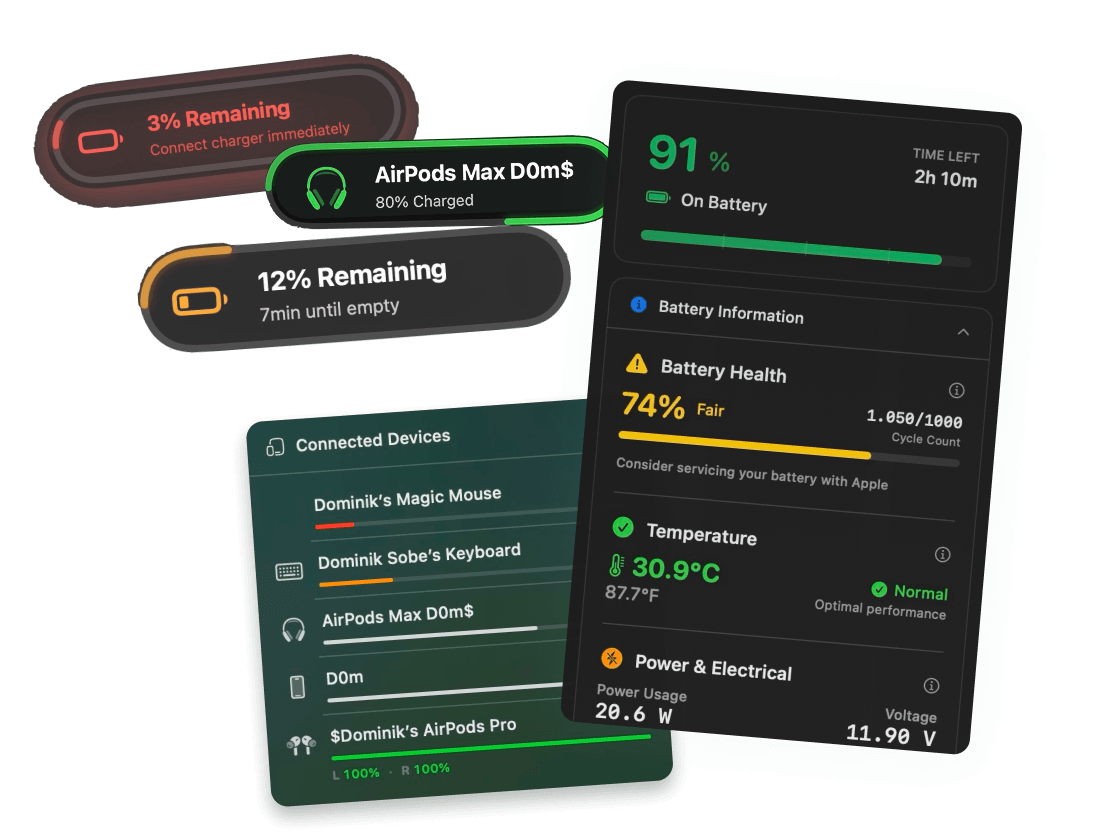
To be clear, Juicy does not replace batteries, and no app can. What Juicy does is make the diagnosis obvious before you spend anything. It shows your real health percentage, cycle count, temperature, and voltage in the menu bar, and flags Apple's Service Recommended warning the moment it appears. If the numbers say the battery is genuinely worn, you book the replacement with confidence. If they say it is fine, you just saved yourself a repair bill. Featured by Apple on the Mac App Store, 4.85 stars, free 3-day trial.
Diagnose first, spend second. That order tends to keep the most money in your pocket.
Frequently asked questions
Is it worth replacing a Mac battery?
Usually yes, if the Mac is otherwise healthy and you plan to keep it another year or more. A $129 to $249 battery is far cheaper than a new machine and restores full runtime. It is less worth it on an old Intel Mac you are about to replace anyway.
Can I replace my MacBook battery myself?
It is possible on some models but not recommended. Modern MacBook batteries are glued in, and prying one out risks puncturing a lithium cell, which is a fire hazard. DIY also voids any remaining warranty. Unless you are experienced, let Apple or a reputable shop handle it.
How long does a Mac battery replacement take?
Apple typically needs 3 to 5 business days because most repairs go to a service center. Some Apple Stores and Authorized Providers do it same day when parts are in stock. Independent shops are often fastest, frequently finishing within a few hours to a day.
Does AppleCare cover battery replacement?
AppleCare+ covers a free battery replacement only when capacity drops below 80 percent of its original level. Normal wear above 80 percent is not covered, so you pay the standard out-of-warranty fee. Check your exact health percentage first so you know whether you qualify before booking an appointment.