How Long Does a Mac Battery Really Last? (Years + Hours)
Jul 20, 2026 • 7 min read By Dominik, maker of Juicy"How long does a Mac battery last" has two answers. On one charge, Apple rates current MacBooks at 15 to 24 hours, though real work often gives 6 to 14. Over its life, the battery is rated for 1,000 charge cycles, roughly 3 to 5 years, before capacity drops enough to notice.
Verified on macOS Tahoe in July 2026. Rated hours are Apple's published figures; real-world ranges are typical.
Both numbers matter, and people usually mean one or the other. We will take them in order, then show you how to read the life left in your specific Mac instead of trusting an average off a spec sheet.
How long does a Mac battery last on one charge?
Apple's headline battery figures are best-case numbers: looping video at moderate brightness with Wi-Fi idle. Your actual day, with a bright display, twenty browser tabs, Slack, and the occasional video call, lands well below the sticker.
Here is the honest gap between rated and real for the current lineup:
| Model | Apple's rated life | Typical real-world |
|---|---|---|
| MacBook Air (M1 to M4) | up to 15 to 18 hours | 6 to 12 hours |
| MacBook Pro 14-inch (M3, M4) | up to 18 to 24 hours | 8 to 14 hours |
| MacBook Pro 16-inch (M3, M4) | up to 21 to 24 hours | 9 to 15 hours |
| Intel MacBooks (2016 to 2020) | up to 10 hours when new | 3 to 6 hours when aged |
Apple Silicon is the reason the modern numbers look so good. An M-series MacBook sipping power on a light workload genuinely can go most of a workday. Push it with Xcode builds, 4K video, or a dozen Chrome tabs and that same machine can drop to a third of the rated time. Neither number is a lie, they just describe different days.
Two things pull real runtime down fastest: screen brightness and whatever app is quietly pinning a CPU core. If your hours feel short for your model, that is usually where to look before you blame the battery.
How many years does a MacBook battery last?
The lifespan answer comes down to cycles, not calendar years. One cycle means using 100 percent of your battery's capacity in any combination, so two half-drains count as one cycle. Every Mac notebook sold since 2010, including all Apple Silicon models, is rated to keep at least 80 percent of its original capacity through 1,000 cycles.
How fast you reach 1,000 depends entirely on how you use the machine:
| Usage pattern | Cycles per year | Years to 1,000 cycles |
|---|---|---|
| Light, mostly plugged in | under 100 | 10+ years |
| Normal daily use | 200 to 300 | 3 to 5 years |
| Heavy, always mobile | 300 to 400 | roughly 2.5 to 3 years |
So the common "3 to 5 years" figure is really a description of normal daily use, not a hard timer. Nothing breaks at cycle 1,000 either. It is a capacity promise, not an expiry date, and plenty of MacBooks run happily past 1,200 cycles. They just hold less charge per sitting, so you plug in more often. We break the counting down in how to check battery cycle count on a Mac.
What shortens a Mac battery's lifespan?
Three things age a lithium battery faster than the cycle count alone would suggest:
- Heat. Sustained temperatures above roughly 35 degrees Celsius accelerate the chemical wear. A MacBook baking on a duvet with blocked vents ages faster than one with airflow.
- Sitting at 100 percent. Holding a full charge for hours, especially while warm, is the single biggest avoidable ager. This is why keeping everyday charging closer to 80 percent measurably extends lifespan, and why Juicy's charge limit exists (in the direct download and Setapp versions).
- Regular deep drains. An occasional run to zero is fine. Draining to empty every day is a habit the battery pays for.
If your health is dropping faster than about 5 percentage points a year of daily use, one of those three is usually the culprit. Our MacBook battery care guide covers the habits that slow it down.
How to check the life left in your Mac
Averages describe a fleet, not your laptop. To see your actual remaining life, read two numbers straight from the battery firmware:
- Hold the Option key and click the Apple menu.
- Choose System Information (it replaces "About This Mac" while Option is held).
- Select Power in the sidebar and look under Health Information.
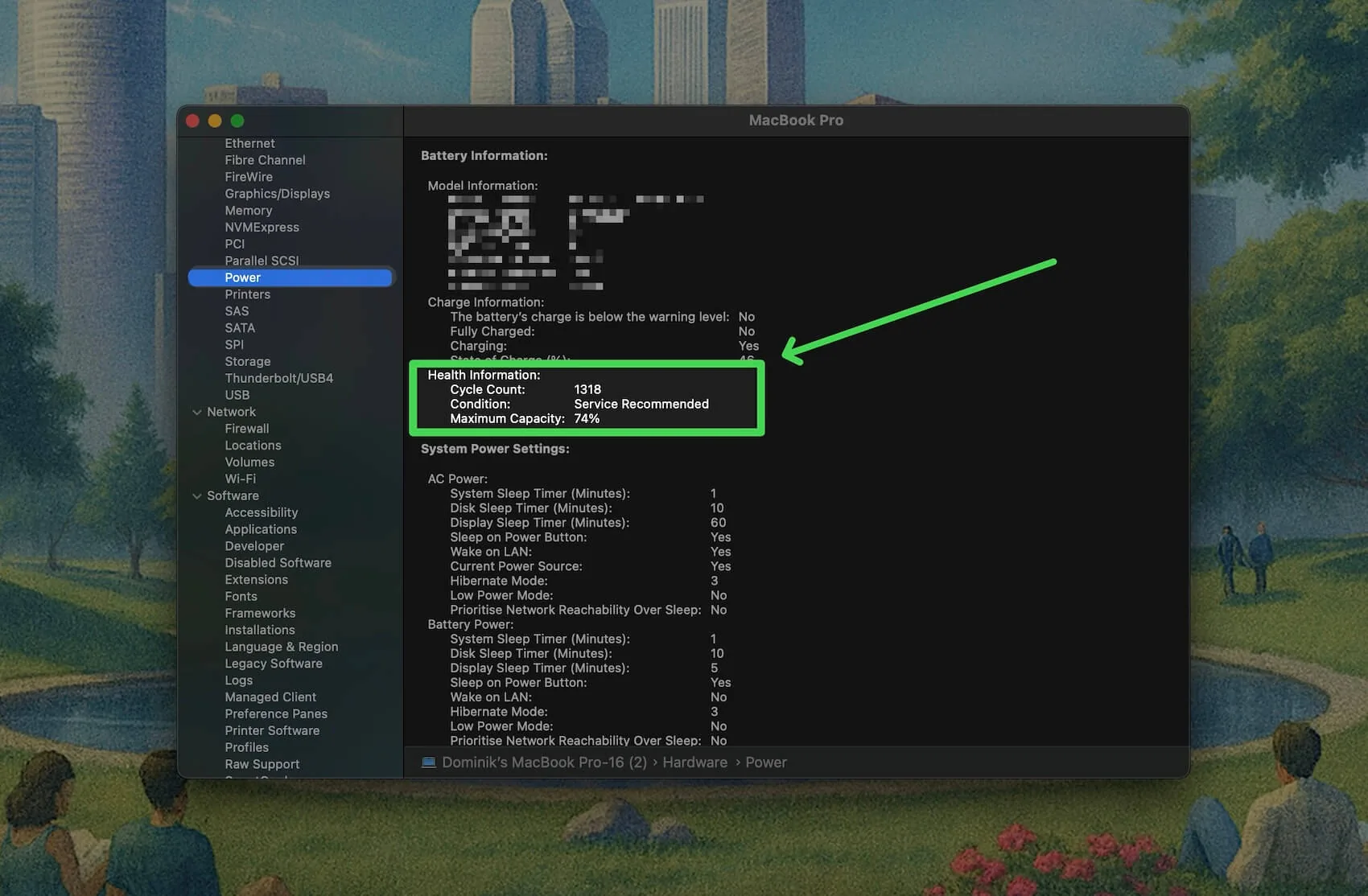
You get Cycle Count (how much the battery has been used) and Maximum Capacity (how much charge it can still hold today). A battery at 85 percent after 900 cycles is aging exactly on schedule. The same 85 percent after 200 cycles is wearing unusually fast. We walk through the health side in how to check battery health on a Mac, and you can paste your report into the free Mac battery health checker for a plain-English verdict.
Signs your Mac battery is nearing the end
You will usually feel the decline before you measure it. The clearest signals:
- The condition in System Settings reads Service Recommended. Here is what Service Recommended actually means.
- Maximum Capacity has slipped below about 80 percent.
- Runtime no longer tracks the percentage. It reads 40 percent, then shuts down under load.
None of these means the Mac is done, only that the battery is due for attention. When that day comes, our Mac battery replacement cost guide covers what it runs, and it is worth checking whether AppleCare covers it before you pay. Our free MacBook battery replacement cost calculator gives the number for your exact model and AppleCare status.
Track the decline with Juicy
The native checks are free and accurate, but they answer only when you ask, five clicks deep, and remember nothing. A slow decline and a fast one look identical in a single snapshot.
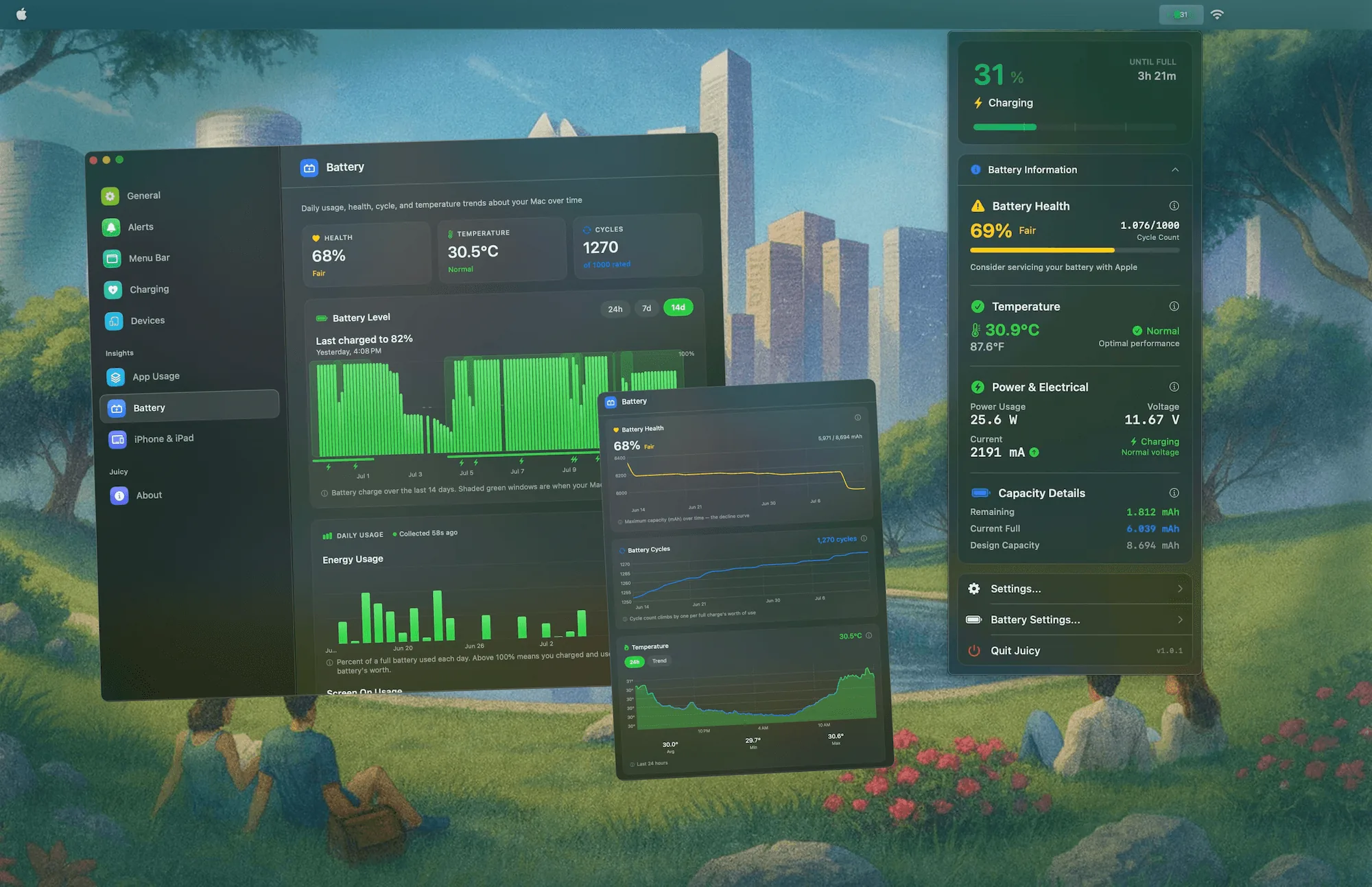
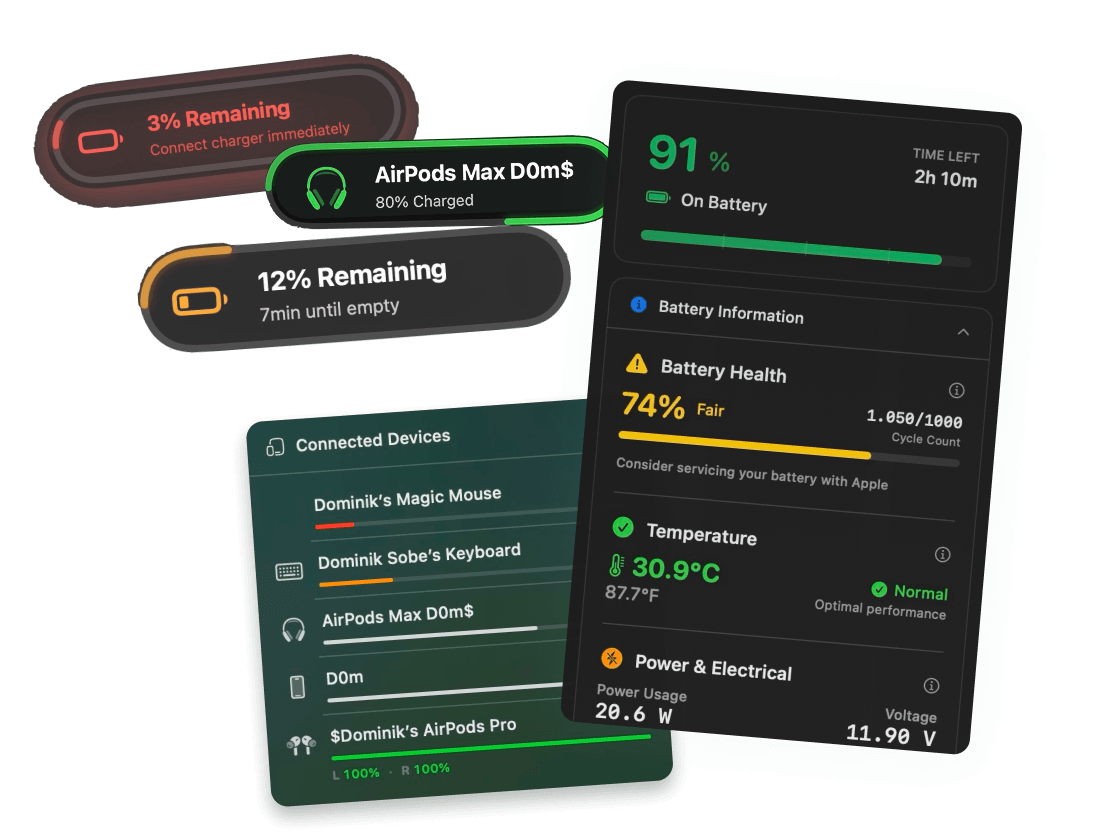
Juicy keeps your health percentage and cycle count in the menu bar and records them over time with continuous battery health tracking. Instead of a spec-sheet average, you see your Mac's real decline curve, so you can tell whether you are on pace for five years or heading toward a battery service sooner. Its custom low-battery alerts also warn you before a charge runs out, so a shutdown never catches you mid-sentence. Featured by Apple on the Mac App Store, 4.85 stars, free 3-day trial.
Averages are for spec sheets. Your Mac keeps its own count, and Juicy just makes sure you can read it.
Frequently asked questions
How many years does a MacBook battery last?
Most MacBooks last 3 to 5 years before the battery declines enough to notice. Apple rates the battery for 1,000 charge cycles while keeping at least 80 percent capacity, which daily users reach in about 3 to 4 years. Light users can stretch it past 5, heavy users hit it sooner.
How many hours does a MacBook battery last?
On a single charge, Apple rates current MacBook Air and Pro models at 15 to 24 hours of video playback. Real work with a bright screen, many tabs, and video calls usually gives 6 to 14 hours. Older Intel MacBooks with worn batteries often manage just 3 to 6.
How do I know when my Mac battery is dying?
Watch for three signs: the condition in System Settings reads Service Recommended, Maximum Capacity has fallen below about 80 percent, or the runtime no longer matches the percentage shown. A battery that dies at 30 percent or shuts down under load is telling you it is near the end.
How many charge cycles before a Mac battery dies?
Every Mac notebook since 2010 is rated for 1,000 cycles while keeping at least 80 percent capacity. The battery does not die at 1,000, it just holds less. Many MacBooks run fine past 1,200 cycles, they simply need charging more often through the day.