What 'Service Recommended' Means on Your Mac Battery
Jul 20, 2026 • 6 min read By Dominik, maker of Juicy'Service Recommended' means your Mac's battery has dropped below roughly 80 percent of its original capacity, or has a fault, so macOS suggests a replacement. It is not an emergency. The Mac is safe to keep using, you will just get shorter runtime. You find it under System Settings, Battery, Battery Health.
Verified on macOS Tahoe in July 2026. Older Intel Macs word it slightly differently (Replace Soon, Replace Now, Service Battery).
Seeing that phrase for the first time is a small jolt. Here is exactly what it means, what it does not mean, and what your options are, without the panic.
What "Service Recommended" actually means
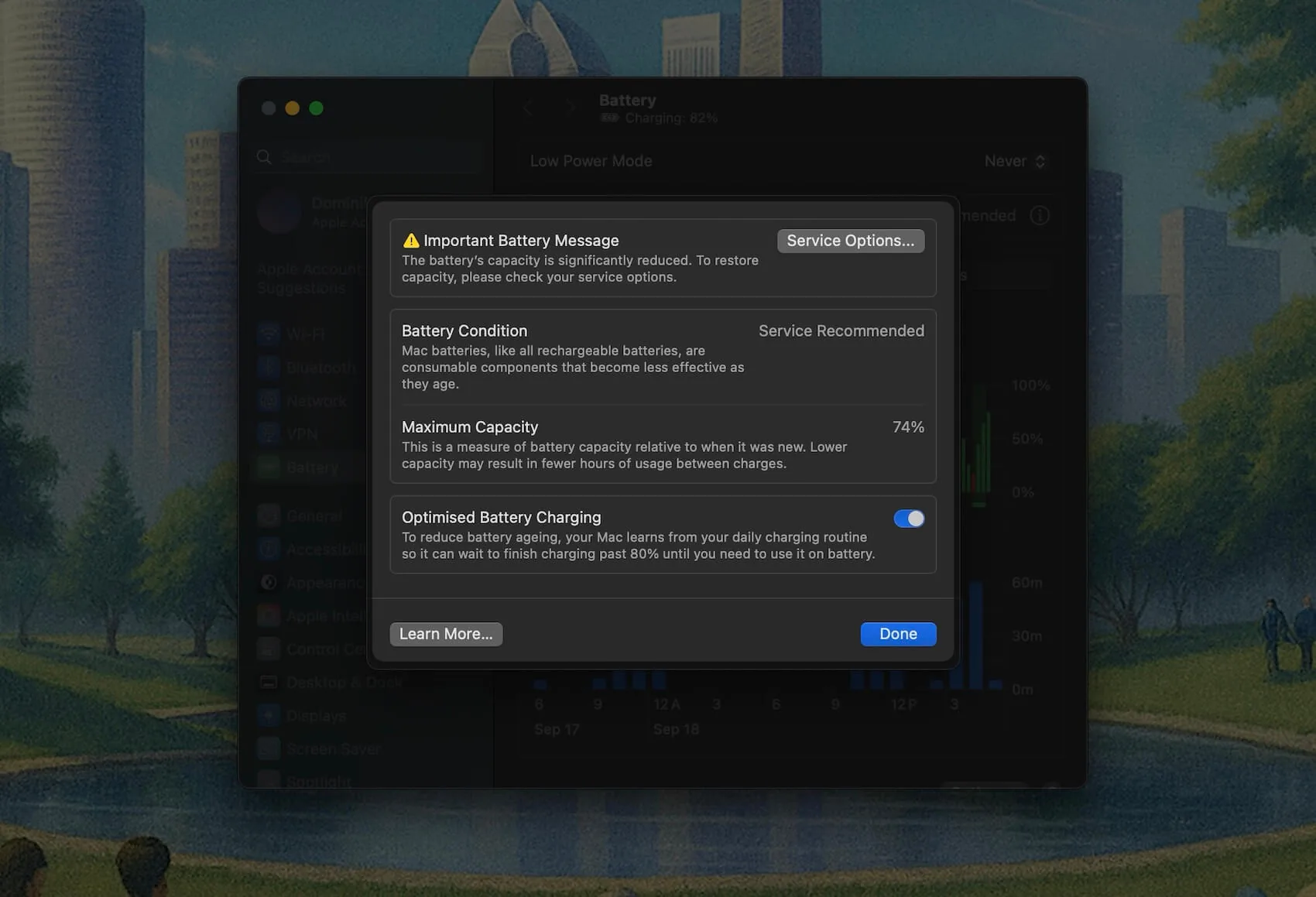
macOS shows Service Recommended when it decides your battery is no longer performing like a healthy one. In almost every case that means the battery has lost enough capacity that it now holds meaningfully less charge than when it was new, generally once it drops under about 80 percent of original capacity. Less often, it flags an internal fault the battery management system has detected.
Either way, it is a recommendation, not a shutdown. Nothing stops working. Your Mac has simply decided it is polite to tell you the battery is past its prime.
Where to see it (and check the details)
To find the status yourself:
- Open System Settings.
- Click Battery in the sidebar.
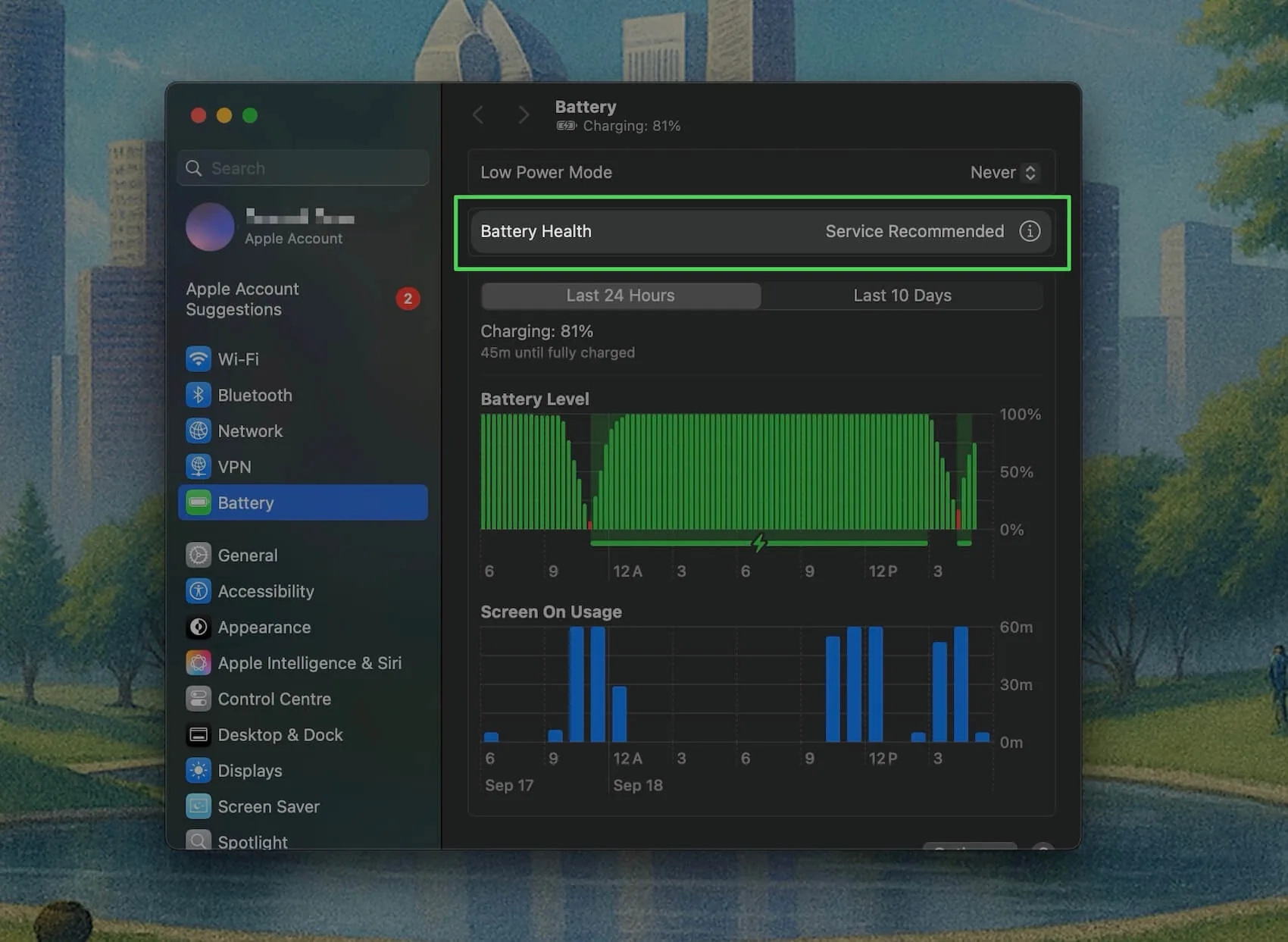
- Look at Battery Health. It reads either Normal or Service Recommended.
- Click the info icon next to it for more, including maximum capacity.
On older Intel Macs the wording is a little different. Holding Option and clicking the battery icon in the menu bar, or opening System Information > Power, shows a Condition field that can read Normal, Replace Soon, Replace Now, or Service Battery. They all point at the same thing: the battery has aged enough to warrant attention.
To confirm how worn it really is, pair the flag with two numbers: your maximum capacity percentage and your cycle count. Our guides on checking battery health and checking cycle count walk through both, or paste your battery report into the free Mac battery health checker for a plain-English read.
Is it safe to keep using your Mac?
Yes. A Service Recommended battery is safe to keep using, and plenty of people run one for months or even years. You will just notice the practical side of low capacity: shorter runtime per charge, and occasionally the Mac shutting down earlier than the percentage suggests.
The one real exception is physical swelling. If the trackpad feels raised, the case will not sit flat, or there is any visible bulge, stop charging and book a service promptly. A swelling battery is a genuine safety issue, and it is the one version of this warning you should not sit on. That aside, Service Recommended alone is an inconvenience, not a hazard.
Why it appears: capacity, cycles, and wear
Three forces get you here, usually together:
- Lost capacity. Every charge cycle chips away a tiny amount of maximum capacity. Once it falls below roughly 80 percent, the flag appears. This is normal aging.
- Cycle count. Apple rates most Mac notebooks for 1,000 cycles before capacity is expected to reach that 80 percent mark. High mileage gets you there sooner.
- Conditions. Heat and long stretches at 100 percent accelerate the decline, which is why two Macs the same age can have very different health.
If your health seems to be dropping unusually fast, it is almost always heat or charging habits rather than a defect. The habits that slow it down are in keeping your MacBook battery healthy.
Your options: replace, wait, or monitor
You have three reasonable paths, and none of them is an emergency:
- Replace now if you rely on unplugged runtime and the short battery life is getting in your way, or if there is any swelling.
- Wait if you mostly work near a plug. A Service Recommended Mac on a charger behaves exactly like a healthy one. You can run it this way indefinitely.
- Monitor if you are not sure. Keep an eye on capacity and cycle count, and replace when the runtime finally becomes annoying rather than on the day the warning appears.
What a Mac battery replacement costs
At Apple, a MacBook battery replacement runs roughly $159 to $249 depending on the model, and independent repair shops are often cheaper. If you have AppleCare+ and your battery is below 80 percent of original capacity, the replacement is free, which is worth checking before you pay. We break down the full picture in Mac battery replacement cost and what AppleCare covers. Our free MacBook battery replacement cost calculator gives the number for your exact model and AppleCare status.
A replacement resets your cycle count to zero, because it is physically a new battery, and clears the Service Recommended flag along with it.
Catch it early: track your battery health with Juicy
Here is the frustrating part of relying on macOS for this: by the time it surfaces Service Recommended, the decline has been underway for months. The warning is the finish line, not the starting gun, and you only see it if you happen to open Settings.
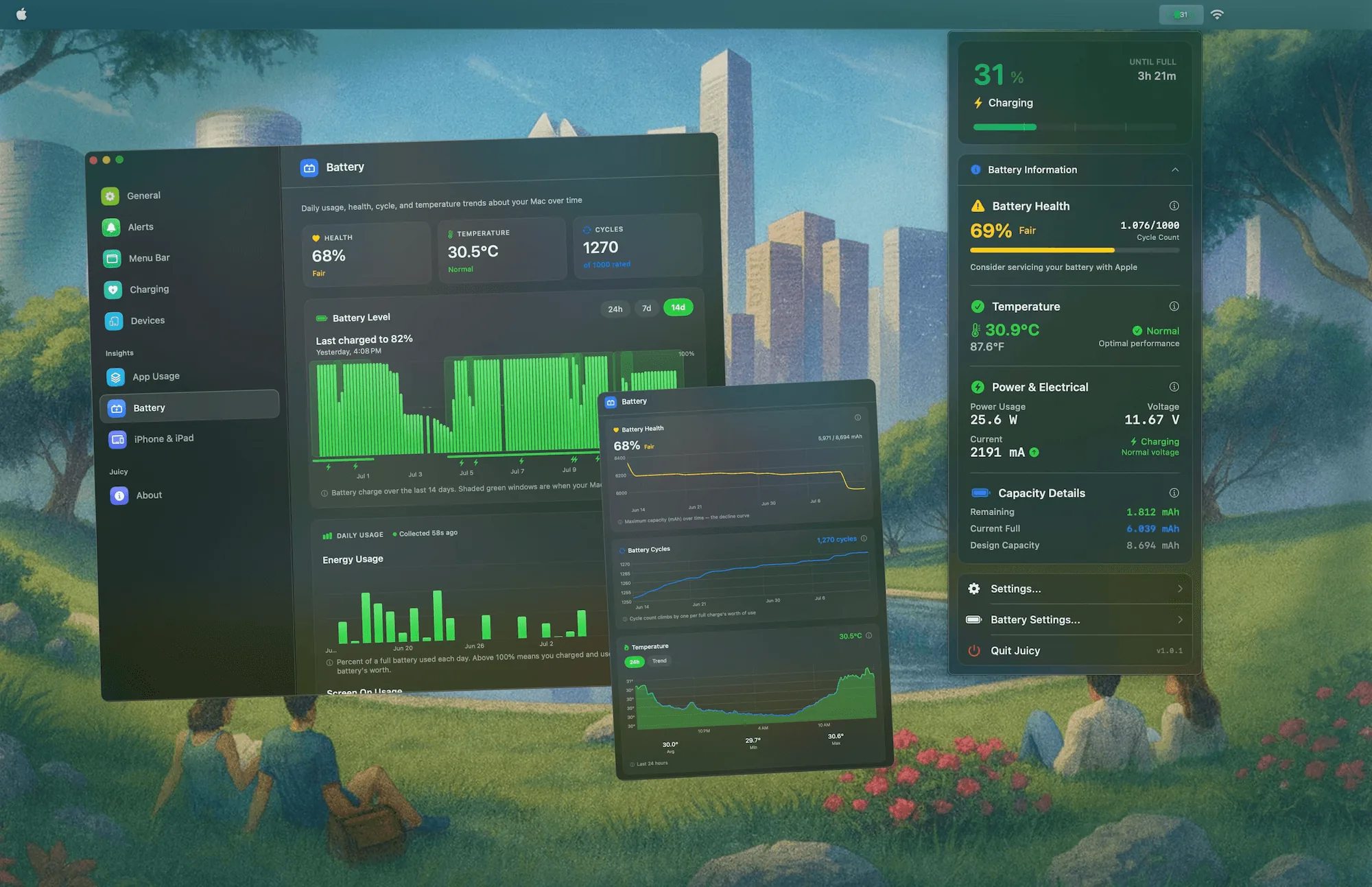
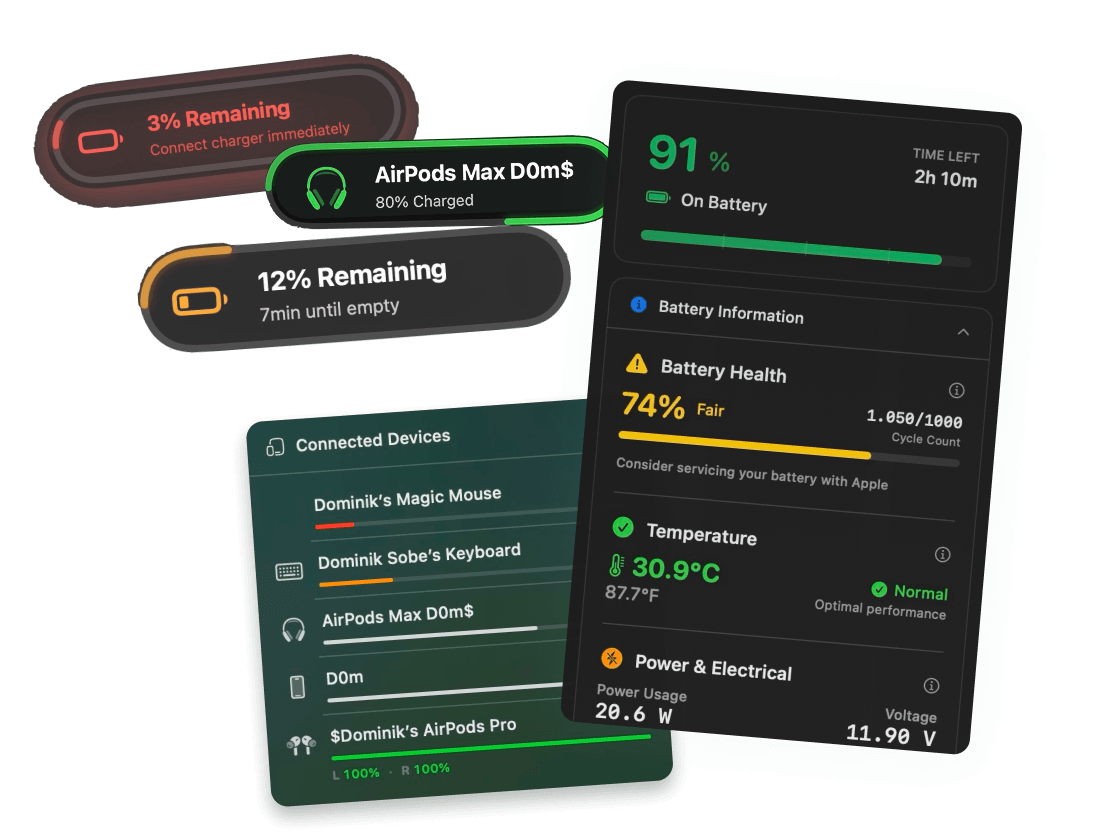
Juicy watches battery health, cycle count, temperature, and voltage every day from the menu bar, and it surfaces the Service Recommended flag the instant Apple raises it, not weeks later. More usefully, it shows the trend, so you can watch capacity sliding toward 80 percent and plan a replacement on your own schedule instead of being surprised by it. Battery health tracking works in every version of Juicy, including the Mac App Store one.
Featured by Apple, 4.85 stars, free for 3 days, no credit card. Your battery will decline either way. Juicy just makes sure you see it coming.
Frequently asked questions
Is it safe to use a Mac with a Service Recommended battery?
Yes. Service Recommended is a capacity and wear warning, not a safety alert. Your Mac will run normally on a shorter charge. The one exception is physical swelling: if the trackpad or case starts to bulge, stop using it and book a service right away, since a swollen battery is a real hazard.
How much does Mac battery service cost?
At Apple, a MacBook battery replacement runs roughly $159 to $249 depending on the model, or free if you are under AppleCare+ and below 80 percent capacity. Independent repair shops are often cheaper. Turnaround is usually 3 to 5 business days, sometimes same day at an Apple Store.
Can I fix a Service Recommended battery myself?
Not really. The flag reflects physical wear, so no software reset, calibration trick, or app clears it. The only genuine fix is a new battery. DIY replacement is possible on some models but requires prying a glued cell and voids any warranty, so most people let Apple or a trusted shop handle it.
Why is my Mac battery health going down so fast?
Fast capacity loss usually comes from heat, heavy cycle counts, or long stretches parked at 100 percent. A few points in the first year is normal, but a sharp drop points to charging habits or a warm environment. Check your cycle count to see whether the wear matches your usage.